

Quick Summary
If you want to learn artificial intelligence without spending money, google ai courses free options on Google Skills are a practical place to begin. The current learning ecosystem includes beginner lessons on generative AI, large language models, responsible AI, prompt design, and Google Cloud tools.
The most important thing to understand before enrolling is that a free Google skill badge is not exactly the same thing as a formal paid certificate. Google Skills uses digital badges to show that you completed learning and passed required assessments, while some other Google programs use paid certificates through platforms such as Coursera.
Best starting route: Begin with Generative AI → learn LLM basics → study Responsible AI → complete the related assessment → move toward prompt design and practical Google Cloud learning.
Introduction
Google AI courses free searches are growing because many beginners want to build useful AI skills without paying for an expensive bootcamp. The good news is that Google provides several no-charge learning resources for different levels, including beginner AI training, hands-on learning, and digital badges. Google also separates free learning resources from paid certificate programs, so knowing the difference can save you time and money.
The bigger question is not simply whether a course costs $0. You also need to know what you will actually learn, whether you receive a badge or certificate, how long the course takes, whether you need coding skills, and which course should come first. This guide answers those questions in one place so you can choose a useful learning path instead of collecting random course names.
What Makes Google AI Courses Free Worth Taking?
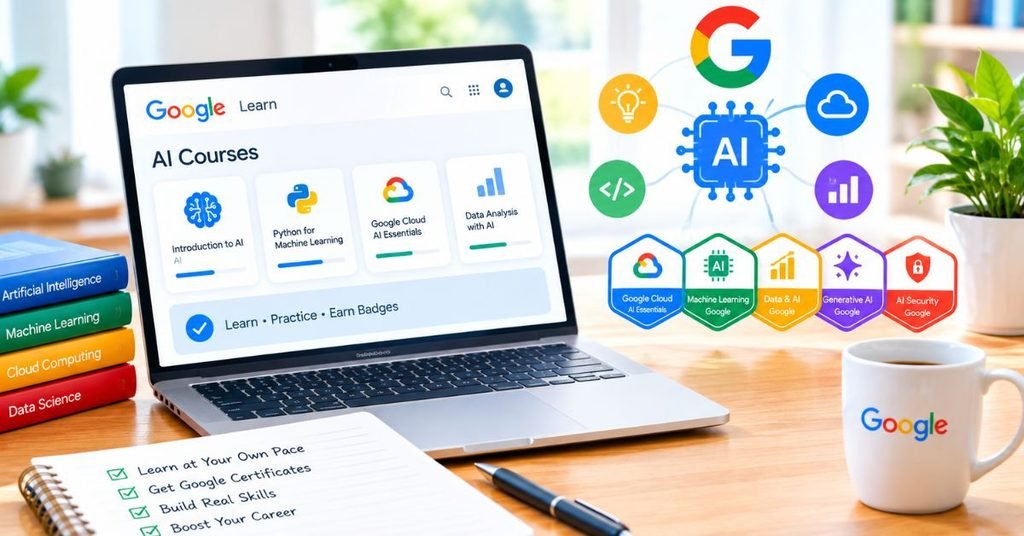
Free does not automatically mean useful. The value comes from learning a specific skill that you can later demonstrate through a project, portfolio, LinkedIn profile, or resume.
Google’s current AI learning resources cover both everyday AI use and more technical subjects. Its no charge resources include beginner training, AI learning activities, educator resources, and hands-on badge opportunities.
You can learn practical AI concepts
Instead of starting with complicated mathematics, beginner material can help you understand:
- Generative AI
- Large language models
- Prompt design
- Responsible AI
- AI productivity
- Google Cloud AI tools
You can build a learning path instead of taking random courses
A better strategy is to move from basic concepts toward practical work. For example, learn what generative AI does first, understand how LLMs work, then practice prompts and responsible AI.
You can create evidence of learning
A digital skill badge can show that you completed a Google learning activity and met its assessment requirements. Google Skills profiles can display earned badges and provide a way to share credentials.
Best Google AI Courses Free Options to Start With
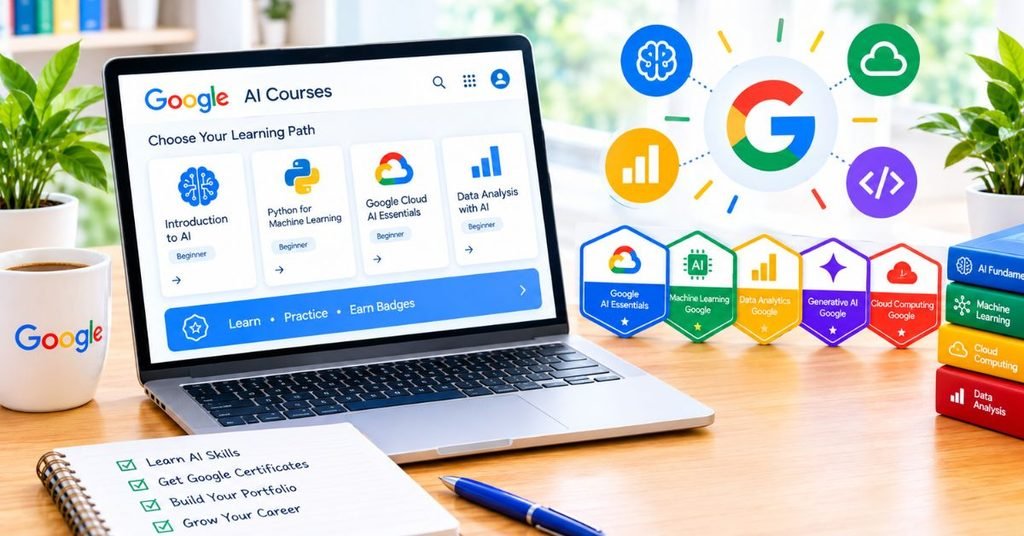
The courses below are more useful when treated as a connected learning route rather than five unrelated titles.
| Course / Learning Area | Main Skill | Best For | Difficulty | Credential / Outcome |
| Introduction to Generative AI | GenAI basics | Complete beginners | Beginner | Digital learning credential |
| Introduction to Large Language Models | LLM concepts | AI beginners | Beginner | Digital learning credential |
| Introduction to Responsible AI | Safe AI use | Everyone using AI | Beginner | Digital learning credential |
| Prompt Design in Vertex AI | Prompting and multimodal work | Practical learners | Beginner–Intermediate | Skill badge pathway |
| Responsible AI with Google Cloud | Applying AI principles | Professionals and technical learners | Intermediate | Skill badge pathway |
Google’s learning profiles show these subjects as part of its AI learning ecosystem, including Generative AI, LLMs, Responsible AI and Prompt Design in Vertex AI.
1. Introduction to Generative AI
This is the logical first step if artificial intelligence is still new to you. The course introduces generative AI and explains how it differs from traditional machine learning.
What you should learn
- What generative AI means
- How AI can create new content
- Common generative AI use cases
- How AI differs from older machine learning approaches
- Where Google AI tools fit into the wider ecosystem
Who should take it
Students, writers, marketers, business owners, teachers and complete beginners can start here without trying to learn coding first.
The goal is not to make you an AI engineer in one sitting. It gives you the vocabulary and basic understanding needed for the next courses.
2. Introduction to Large Language Models

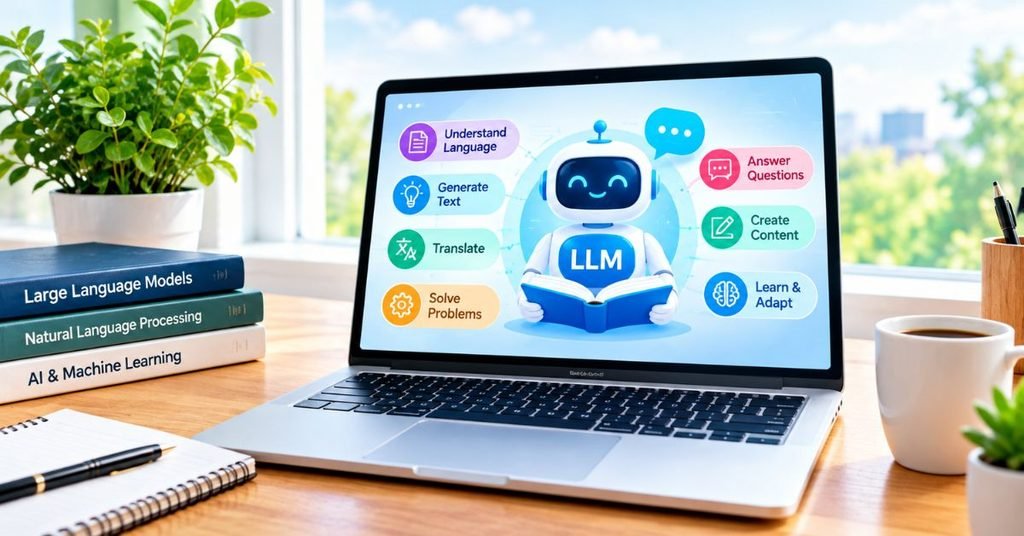
Large language models power many modern AI assistants. Understanding them makes it easier to understand why an AI model sometimes produces a strong answer and sometimes needs better instructions.
What you should learn
- What an LLM is
- Common LLM use cases
- How prompts influence output
- Basic prompt-tuning concepts
- How Google tools can support generative AI development
Google describes this as an introductory learning experience covering LLM use cases and prompt tuning.
For content writers, marketers and students, this topic is especially useful because it explains the basic thinking behind tools they already use.
3. Introduction to Responsible AI
Learning how to use AI is only half the job. You also need to understand where AI can create risks.
Key areas to understand
- Accuracy problems
- Bias
- Privacy concerns
- Responsible use
- Human review
- Safe AI decision-making
Google’s introductory Responsible AI material explains why responsible AI matters and introduces Google’s AI principles.
This course is worth taking even if you never plan to become an AI developer. Anyone using AI for work, education or content creation can benefit from knowing when an AI answer should be checked instead of accepted blindly.
4. Prompt Design in Vertex AI
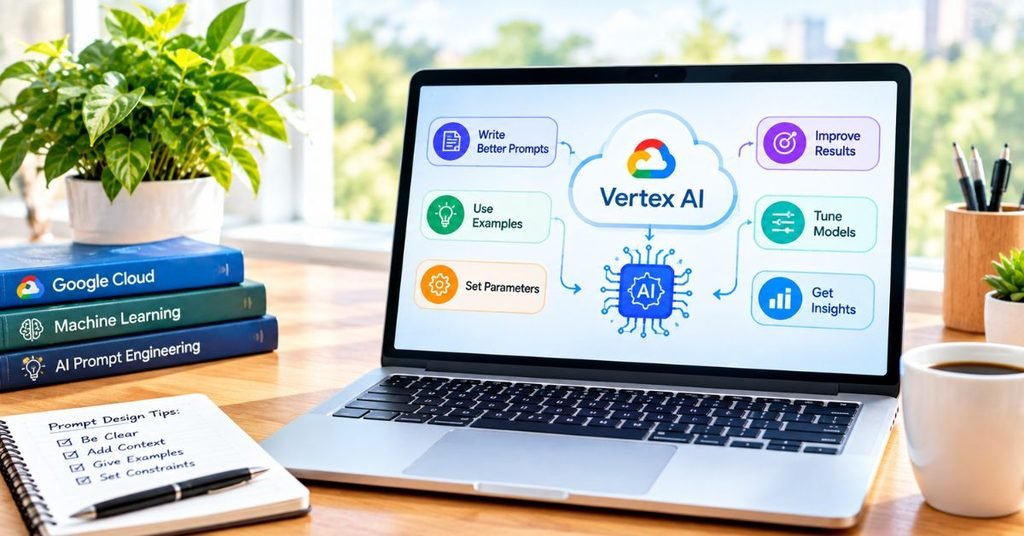
After learning the basics, prompt design gives you a more practical skill.
What makes this course different
- Prompt engineering
- Better instructions for AI models
- Multimodal AI concepts
- Image-related AI tasks
- Working with Vertex AI
- Practical AI interaction
Google Skills describes the Prompt Design in Vertex AI badge as demonstrating skills related to prompt engineering, image analysis and multimodal generative techniques.
This is a better choice for learners who want to move from “I know what AI is” to “I can give an AI system better instructions.”
5. Responsible AI: Applying AI Principles with Google Cloud
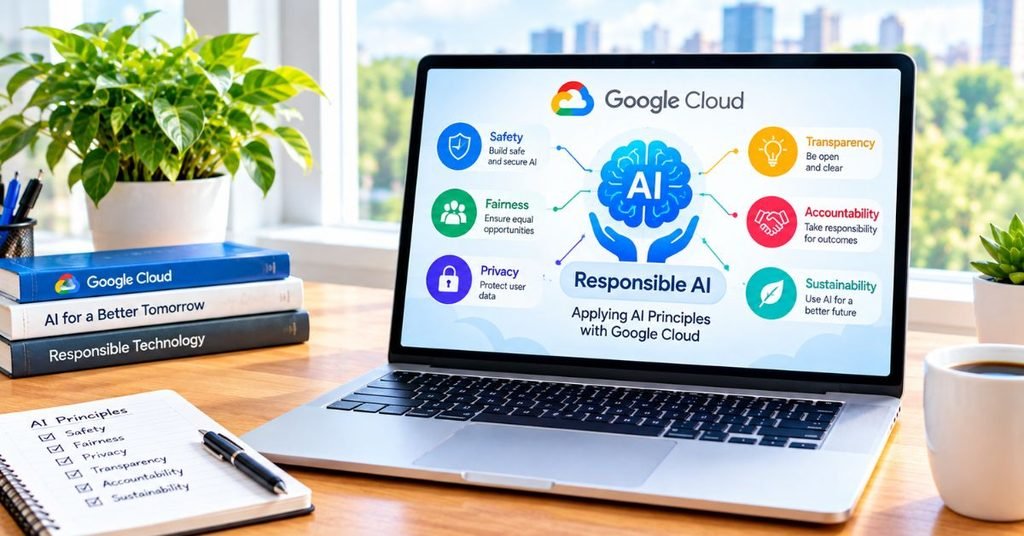
This option goes beyond simply defining responsible AI. It focuses on applying responsible AI ideas in practical environments.
Who benefits most
- Developers
- Cloud learners
- AI project teams
- Technology professionals
- People planning to work with enterprise AI
Google describes this training as a way to understand how responsible AI can be operationalized, along with practices and lessons that can help organizations create their own approach.
How to Choose the Right Google AI Course
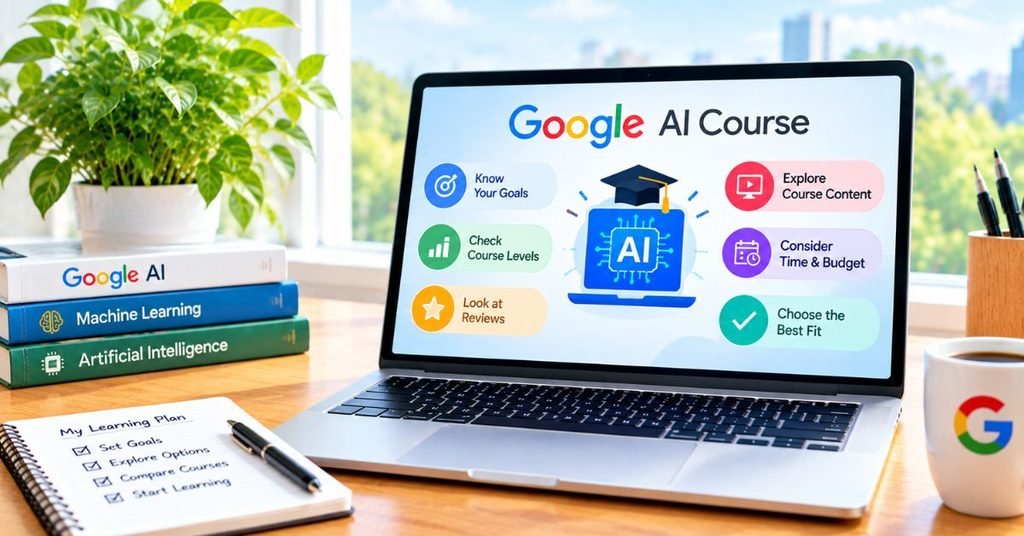
You do not need to complete every course on day one. Pick your starting point according to your goal.
If you are a complete beginner
Start with:
Generative AI → LLMs → Responsible AI
This gives you a simple foundation before moving into more practical work.
If you want better prompting skills
Start with the basic Generative AI and LLM lessons, then move toward Prompt Design in Vertex AI.
If you are a developer
Focus on:
LLMs → Prompt Design → Vertex AI → Responsible AI
This route gives you a stronger connection between AI concepts and technical implementation.
If you are a student or job seeker
Do not stop after earning a badge. Build one small project that proves you can use what you learned.
For example, create a prompt library for a real business task, document the results, explain what you changed, and publish the project in your portfolio.
Free Google AI Badge vs Paid Google Certificate: Know the Difference
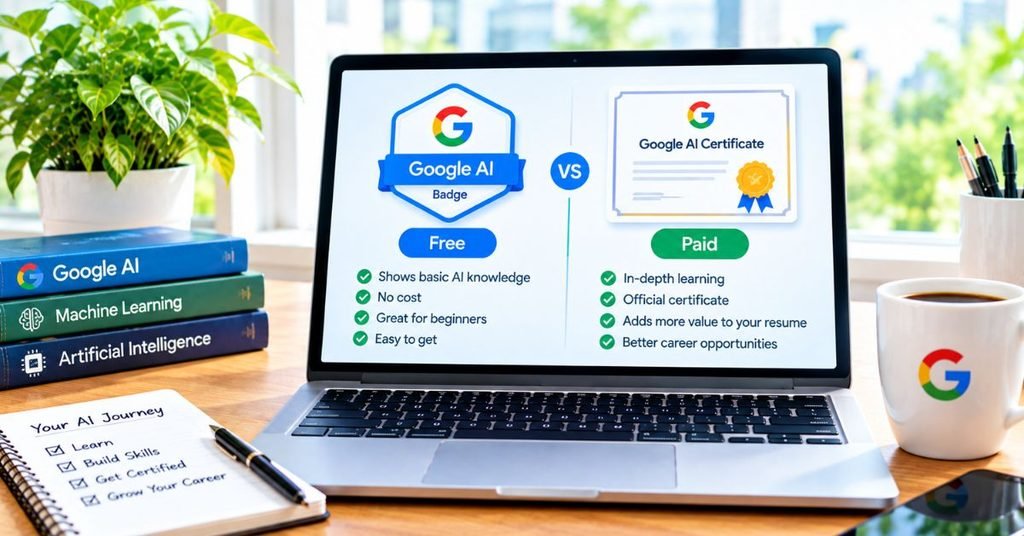
This is one area where many online articles create confusion.
A skill badge is a digital credential associated with Google Skills. It can demonstrate completion or demonstrated knowledge of a particular learning path or skill. Google Skills profiles show earned badges and related learning achievements.
A formal certificate is a different credential. For example, Google’s AI Professional Certificate is currently offered through Coursera as a certificate program, while Google also lists no-charge badge-based learning resources separately.
Why this difference matters
If a website says every free Google AI course gives you a “certificate,” check whether it actually means a digital skill badge.
That small difference matters when you add the credential to your CV or LinkedIn profile.
How to Enroll in Google AI Courses Free
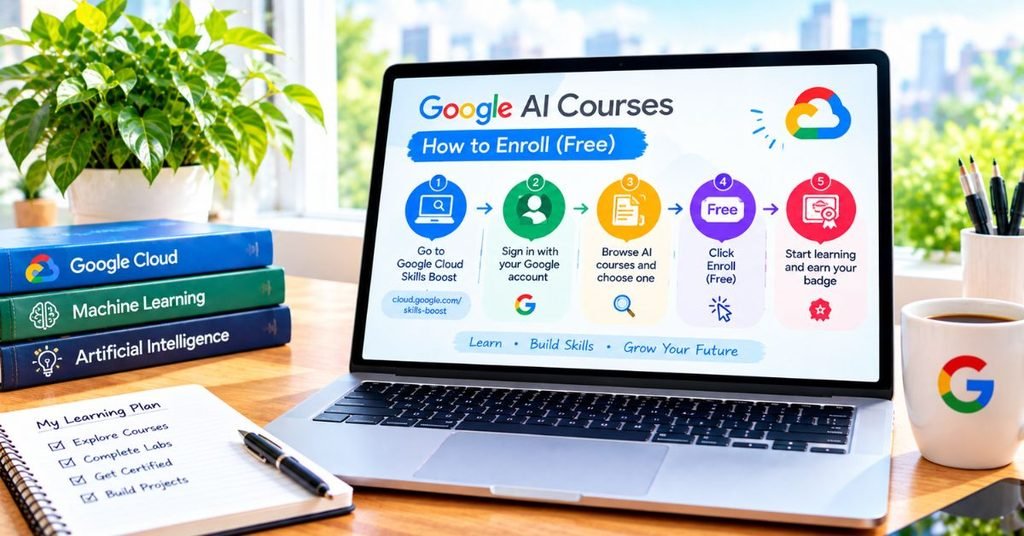
The process is straightforward, but the platform can change over time, so always check the current Google Skills interface before starting.
Step 1: Create or use your Google account
Sign in to Google Skills with your account.
Step 2: Find the relevant AI learning path
Search for the beginner generative AI learning content or the specific AI skill you want to study.
Step 3: Start with the foundation
Do not jump directly into advanced material if you have never studied AI.
Step 4: Complete lessons and assessments
Read the learning material, watch lessons where provided, and complete the required quizzes or assessments.
Step 5: Check your Google Skills profile
After completing the required work, check your profile for the credential or badge associated with the learning activity.
Step 6: Turn learning into proof
Add the credential to your professional profile where appropriate, but also mention the actual skill you learned.
For example, instead of writing only “Google AI Badge,” write:
Prompt design, generative AI fundamentals and responsible AI — Google Skills
That gives a recruiter more context.
Real Life Example: How a Beginner Can Use These Courses
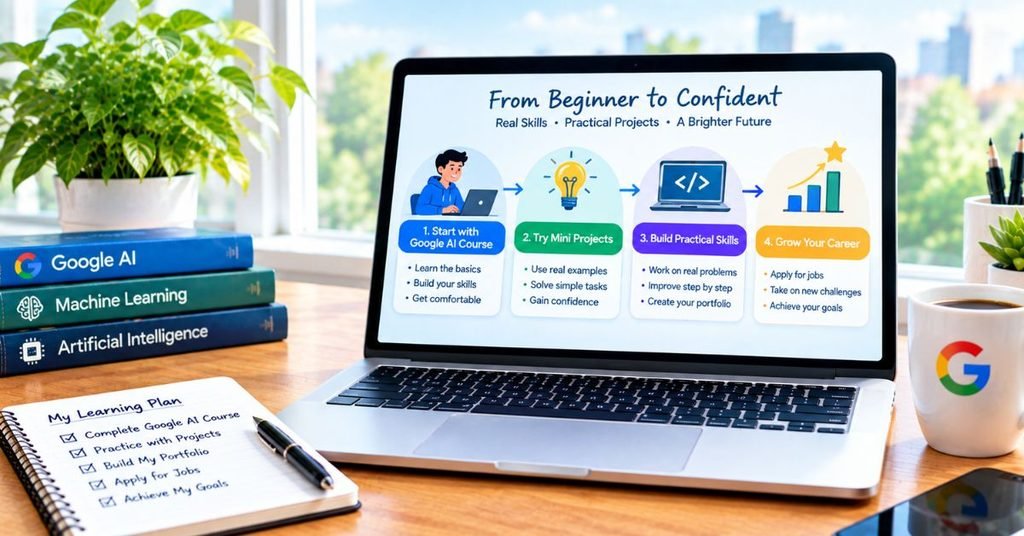
Imagine a beginner who works in digital marketing but has never studied AI.
On Monday, they learn generative AI basics. On Tuesday, they study LLMs. Next, they learn responsible AI and then practice prompt design.
Instead of simply collecting badges, the learner creates a small project: an AI-assisted content research workflow.
The project includes:
- A clear research prompt
- A fact checking step
- A method for improving weak AI responses
- A responsible-use checklist
- Before and after prompt examples
Now the learner has something more valuable than a list of completed lessons: evidence that they can apply AI knowledge to real work.
Content Structure & E-E-A-T Enhancement
To make this article stronger than a basic course list post, the content should demonstrate experience and usefulness rather than simply repeating course descriptions.
Original methodology
Use a simple Learn → Practice → Verify → Show framework:
- Learn: Complete the relevant Google lesson.
- Practice: Apply the concept to one real task.
- Verify: Check AI output for accuracy and safety.
- Show: Save the result as a portfolio example.
E-E-A-T signals
- Clearly separate badges from certificates.
- Add a visible update date when the article is reviewed.
- Explain who each course is actually for.
- Give a recommended learning order.
- Include a real-world project example.
- Avoid promising that one badge will guarantee a job.
- Encourage readers to verify current course availability before enrolling.
This makes the article more trustworthy than a simple list copied from course pages.
Common Mistakes to Avoid

Many people waste time with free AI courses because they focus on collecting certificates instead of building skills.
Mistake 1: Assuming every badge is a certificate
Check the credential type before writing it on your CV.
Mistake 2: Taking courses in a random order
Basic concepts make later AI topics easier to understand.
Mistake 3: Collecting badges without projects
A credential can support your profile, but a practical project shows what you can actually do.
Mistake 4: Believing “free” means every Google AI program is free
Google has both no-charge learning resources and paid certificate programs. The current Google AI learning ecosystem clearly includes both types.
Mistake 5: Trusting AI output without checking it
Responsible AI is not just a course topic. It should become part of your everyday workflow.
Mistake 6: Using outdated course details
Course names, durations, platforms and availability can change. Check the current Google Skills page before publishing enrollment information.
A Better 7-Day Learning Plan
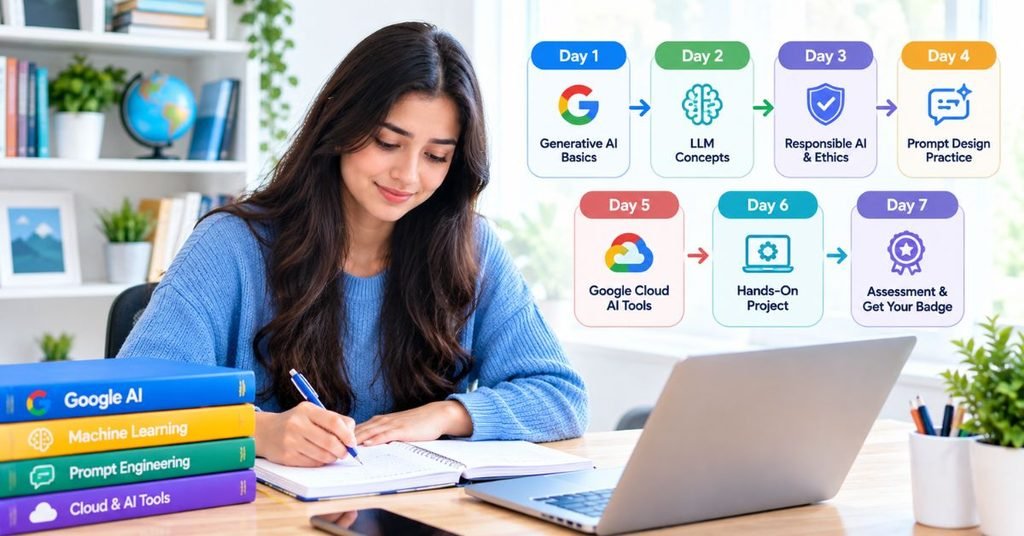
If you want a simple starting schedule, use this approach.
Day 1: Learn the AI basics
Understand generative AI, common use cases and basic terminology.
Day 2: Study LLMs
Learn how large language models are used and why prompts matter.
Day 3: Practice responsible AI
Study common risks and create your own AI checking checklist.
Day 4: Improve prompts
Take a weak prompt and rewrite it several times to compare the results.
Day 5: Explore practical AI work
Use what you learned on a real task such as research, brainstorming, summarization or content planning.
Day 6: Build a mini project
Document your prompt, output, corrections and final result.
Day 7: Organize your proof
Save your badge details, project screenshots, notes and learning outcomes in one professional portfolio folder.
Multimedia Ideas to Make the Article More Useful

A strong article about online courses should not be text-only.
Comparison diagram
Create a visual flow:
Beginner → Generative AI → LLMs → Responsible AI → Prompt Design → Practical Project
Credential infographic
Show the difference between:
Skill Badge vs Formal Certificate
This can solve one of the biggest reader questions immediately.
Short video
A 60–90 second screen recording can show how a learner finds an AI learning path, begins a lesson and checks completed credentials.
Interactive element
Add a simple “Which AI course should I take?” decision tool:
Beginner → Basic AI
Content/Marketing → Prompting
Developer → Vertex AI
Professional → Responsible AI
These elements improve usability without adding unnecessary text.
Author Note
I recommend treating free AI courses as the beginning of a skill-building journey, not the final achievement. A badge can prove that you completed a learning activity, but practical work shows that you can use the knowledge.
If you are building your AI skills for a career, combine the course with one small project, document what you learned, and keep your examples easy for another person to understand.
Disclaimer
Course availability, names, platform interfaces, badge requirements and certificate policies can change. Information in this guide is intended for educational purposes. Before enrolling or relying on a credential for a job or academic application, check the current Google learning page and the specific course requirements.
Conclusion
Google AI courses free learning options can give beginners a useful starting point without requiring a large training budget. The best approach is to begin with generative AI and LLM fundamentals, understand responsible AI, and then move toward practical prompt design and Google Cloud learning. The current Google ecosystem also includes paid programs, so readers should not assume that every Google AI certificate is free.
The real value comes from what you do after completing the lessons. Use your new knowledge on a real task, create a small project, document your process, and use your Google Skills credential as supporting evidence. That combination is much stronger than simply adding another course name to a resume.
FAQs About Google AI Courses Free
Are Google AI courses really free?
Yes, Google provides a number of no-charge AI learning resources. However, Google also offers paid certificate programs, so always check the specific course before assuming the credential is free.
Do free Google AI courses give certificates?
Some Google Skills learning activities provide digital skill badges rather than traditional certificates. These are different credential types, so check the exact completion outcome for the course you choose.
Can beginners take Google AI courses?
Yes. Several Google AI learning resources are designed for beginners and focus on basic AI concepts before moving toward practical skills. Google’s current AI learning pages also categorize many resources by level.
Do I need coding experience to start?
Not for many beginner AI learning resources. You can start with generative AI, LLM concepts and responsible AI before moving into more technical Google Cloud material.
Which Google AI course should I take first?
If you are completely new, start with Introduction to Generative AI. Then move to LLM fundamentals, Responsible AI and practical prompt design.
Can I add a Google skill badge to LinkedIn?
Google Skills profiles support sharing earned badges and learning achievements. The exact sharing options can depend on the credential and current platform interface.
Are Google AI courses useful for getting a job?
They can support your professional profile, but a course or badge alone does not guarantee employment. Combine the credential with practical projects that demonstrate how you can use AI in real work.