

Quick Summary
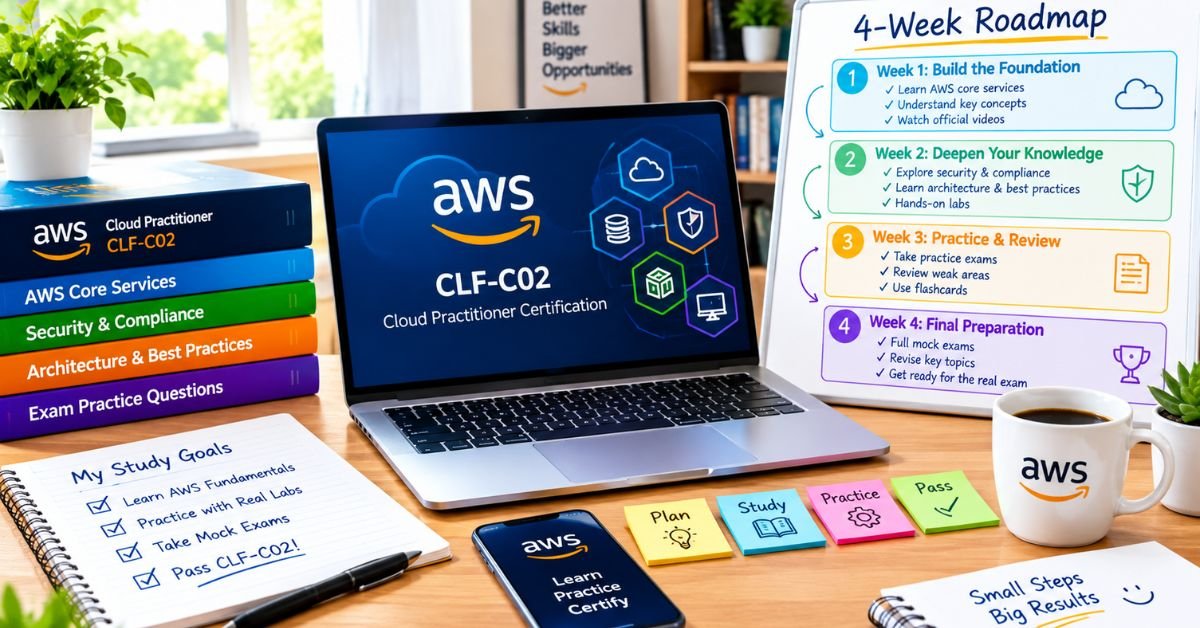
An AWS certification study plan can make AWS Cloud Practitioner preparation much easier because it tells you what to learn, when to practice, and where to spend more time. Instead of jumping between random videos and practice questions, you can follow a clear path from basic cloud concepts to exam readiness.
This guide gives you a practical four-week roadmap for the AWS Certified Cloud Practitioner CLF-C02 exam. It covers the main exam domains, daily study habits, core AWS services, practice questions, revision methods, common mistakes, and a simple way to measure your readiness.
The goal is not to study every AWS service. The goal is to understand the concepts and services that matter for the certification and become comfortable with scenario-based questions.
Introduction:
An aws certification study plan gives your preparation a clear direction. Without a plan, beginners often spend too much time watching courses, collecting notes, or memorizing service names without knowing how those services work together. A structured approach helps you move from basic cloud knowledge to practical exam preparation without wasting study time.
The AWS Certified Cloud Practitioner exam focuses on foundational AWS knowledge. You need to understand cloud concepts, security and compliance, AWS technology and services, and billing, pricing, and support. A smart aws certification study plan should therefore give more attention to the larger exam areas while still covering every domain before the exam.
You also need to understand the difference between learning and preparing. Watching a lesson may help you learn a topic, but answering questions shows whether you can actually use that knowledge. That is why this roadmap combines learning, active recall, practice questions, mistake tracking, and timed revision.
What You Need to Know About the CLF-C02 Exam
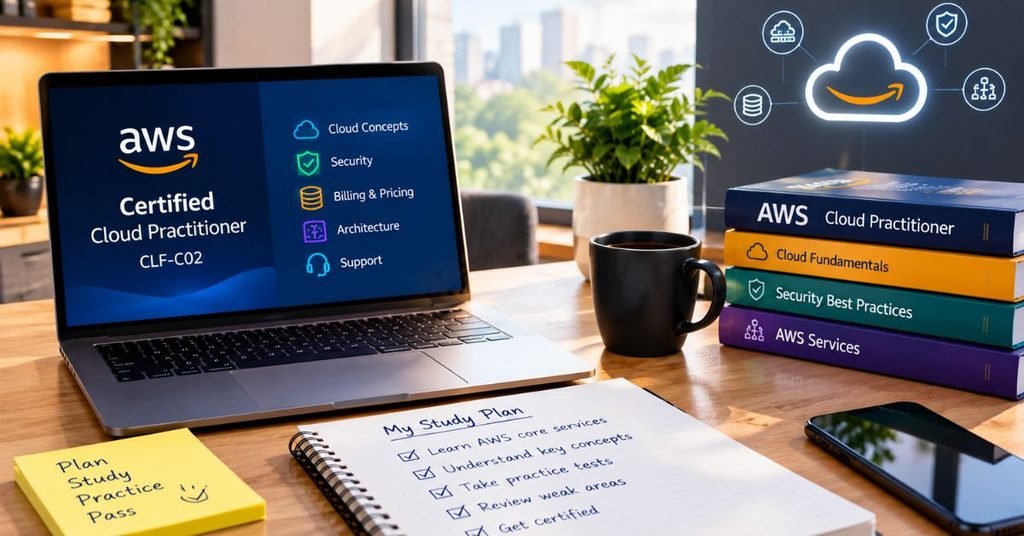
Before creating your schedule, understand what you are preparing for.
The CLF-C02 exam tests your overall understanding of AWS Cloud rather than advanced programming or deep system administration. You should be able to recognize common AWS services, understand their basic purpose, explain important cloud concepts, and choose suitable solutions for simple situations.
The Four Main Exam Domains
The exam is divided into four major areas:
| Exam Domain | Weight | What to Focus On |
| Cloud Concepts | 24% | Cloud value, benefits, migration, economics |
| Security and Compliance | 30% | IAM, shared responsibility, security basics |
| Cloud Technology and Services | 34% | Compute, storage, databases, networking, AI and other services |
| Billing, Pricing, and Support | 12% | Pricing, budgets, billing tools, support resources |
This weighting gives you an important clue.
Do not spend the same amount of time on every section.
Security and Cloud Technology deserve more study time because they represent the largest portions of the exam.
What the Exam Is Really Testing
You should be comfortable answering questions such as:
- Why would a company move to the cloud?
- Which AWS service fits a particular requirement?
- Which party handles each cloud security responsibility?
- Which storage option suits a particular use case?
- How can a company monitor cloud costs?
- Which AWS service provides a particular function?
This means understanding service purpose and real-world use cases is more useful than memorizing long technical definitions.
How to Create an AWS Certification Study Plan That Works
A useful study plan should have five stages:
Learn → Recall → Practice → Analyze → Improve
First, learn the concept.
Next, close your notes and explain it from memory.
Then answer questions.
After that, study your mistakes.
Finally, return to the weak topic and test yourself again.
Give More Time to High-Weight Topics
Do not divide your study hours equally.
If you have 40 total hours, you could roughly organize them like this:
- Cloud Concepts: 8 hours
- Security and Compliance: 12 hours
- Cloud Technology and Services: 14 hours
- Billing, Pricing, and Support: 4 hours
- Final review: 2 hours
These numbers are not fixed rules. Your practice results should influence them.
If security is already easy for you but networking is difficult, move some revision time toward networking.
Use One Main Learning Path
A common problem is collecting too many courses.
Choose one primary course or learning path.
Then use practice questions and reference material to fill gaps.
You do not need five different explanations of the same beginner topic.
Week 1: Build Your Cloud Concepts Foundation
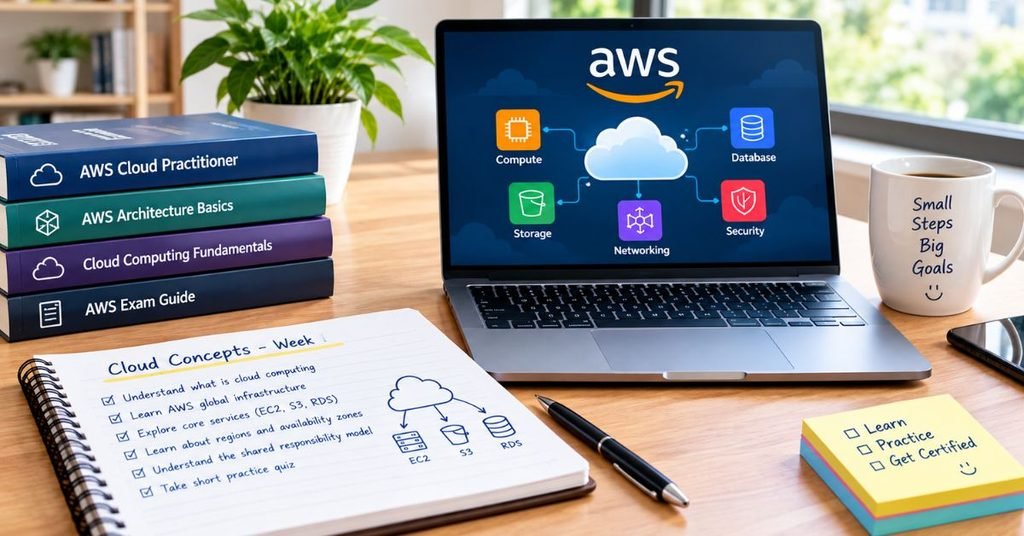
The first week should create the vocabulary you need for the rest of the exam.
Days 1–2: Understand Cloud Computing
Start with the basic idea of cloud computing.
Learn:
- On-demand resources
- Scalability
- Elasticity
- High availability
- Fault tolerance
- Global infrastructure
- Pay-as-you-go pricing
- Cloud economics
Do not simply memorize these words.
Try to explain each one using a simple example.
For example, elasticity means resources can adjust as demand changes. Think about an online store that receives much higher traffic during a sale.
Day 3: Learn AWS Global Infrastructure
Study the difference between:
- Regions
- Availability Zones
- Edge locations
You should understand why AWS uses different infrastructure locations.
For example, distributing applications across Availability Zones can support higher availability.
Day 4: Study Cloud Economics
Focus on:
- Capital expense
- Operating expense
- Variable costs
- Economies of scale
- Rightsizing
- Consumption-based pricing
These concepts help explain why businesses choose cloud services.
Day 5: Study Migration and Cloud Adoption
Understand the general reasons organizations migrate workloads to AWS.
Focus on business benefits rather than deep migration engineering.
Day 6: Review Without Notes
Close your learning material.
Write down everything you remember about:
- Cloud benefits
- AWS infrastructure
- Cloud economics
- Migration
Then compare your notes with your learning material.
Day 7: Take a Mini Practice Test
Complete a small set of questions.
Do not worry if the score is low.
At this stage, your goal is to discover gaps.
Create a mistake tracker with three columns:
Question | My mistake | Correct concept
This tracker will become valuable during Week 4.
Week 2: Master Security and Compliance
Security deserves serious attention in your AWS certification preparation.
The biggest mistake beginners make is leaving security until the end.
Understand the Shared Responsibility Model
This is one of the most important concepts to understand.
AWS manages security of the cloud, while customers have responsibilities for security in the cloud. The exact customer responsibility depends on the service being used.
Learn this through examples.
Ask yourself:
Is this something AWS manages, or is it something the customer must configure?
That simple question can help you understand many scenarios.
Learn IAM Fundamentals
Understand:
- IAM users
- IAM groups
- IAM roles
- Policies
- Permissions
- Least privilege
- Multi-factor authentication
You do not need advanced IAM administration.
You need to understand what these features are designed to accomplish.
Study Security and Compliance Concepts
Review:
- Encryption
- Access control
- Authentication
- Authorization
- Compliance
- Security monitoring
- Data protection
Connect each concept to a business situation.
Practice Scenario Questions
Do not only read security notes.
Practice questions such as:
A company wants employees to access AWS resources without giving every person permanent credentials.
What type of AWS capability could solve the problem?
Questions like this train you to recognize the correct service or concept instead of simply remembering a definition.
End Week 2 With a Security Review
At the end of the week, review your wrong answers.
If you repeatedly confuse IAM roles and users, spend more time on that specific difference.
Do not restart the entire security section.
Fix the exact weakness.
Week 3: Learn the Core AWS Services
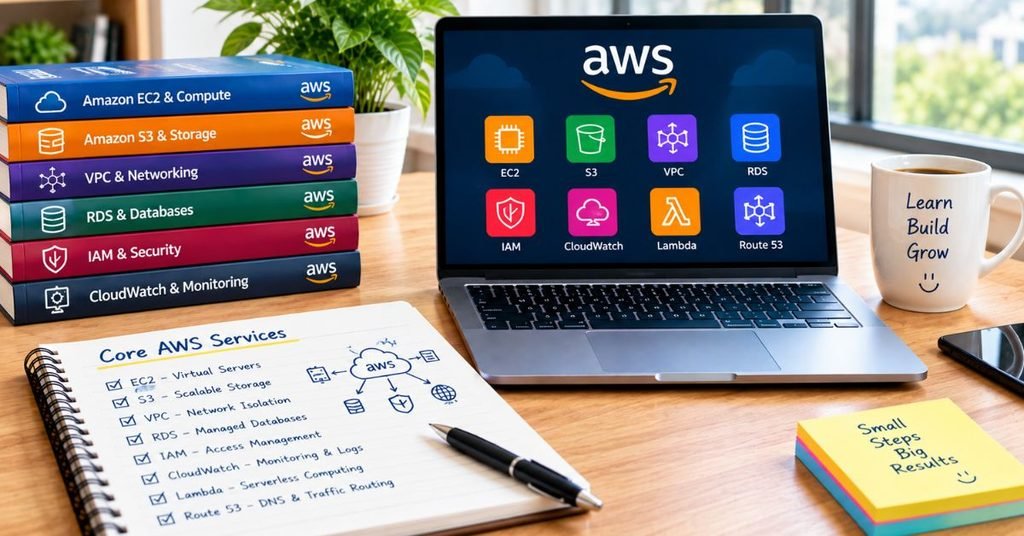
Cloud Technology and Services is the largest part of the exam, so Week 3 should focus heavily on service recognition.
The goal is not to become an AWS architect.
The goal is to know what a service does and when it makes sense to use it.
Compute Services
Learn the basic purpose of:
- Amazon EC2
- AWS Lambda
- Containers
- Serverless computing
Understand the difference between running applications on virtual servers and using serverless computing.
Storage Services
Focus on:
- Amazon S3
- Amazon EBS
- Amazon EFS
- Storage classes
- Backup concepts
A useful method is to ask:
What type of data is this service designed to store?
Database Services
Understand the basic difference between:
- Amazon RDS
- Amazon Aurora
- Amazon DynamoDB
You should know when a relational database makes sense and when a NoSQL database may be more suitable.
Networking Services
Review:
- Amazon VPC
- Subnets
- Security groups
- Amazon Route 53
- Amazon CloudFront
- Elastic Load Balancing
You do not need to master advanced networking for this foundational exam.
Focus on the purpose of each service.
AI, Machine Learning, and Analytics
The current exam scope also includes AI/ML and analytics services.
Learn their high level purposes.
Do not spend most of your preparation time learning advanced machine learning mathematics or model development.
Create a Service Comparison Sheet
A simple comparison sheet can make revision much faster.
| Requirement | Service to Remember | Basic Purpose |
| Virtual computing | EC2 | Run workloads on virtual servers |
| Object storage | S3 | Store objects and files |
| Serverless code | Lambda | Run code without managing servers |
| Relational database | RDS | Managed relational database |
| NoSQL database | DynamoDB | Managed NoSQL database |
| DNS | Route 53 | Domain name and DNS services |
| Content delivery | CloudFront | Deliver content closer to users |
| Access management | IAM | Manage identities and permissions |
Avoid trying to memorize the entire table at once.
Add services to it as you study.
Week 4: Billing, Practice Tests, and Final Revision
Week 4 should shift your focus from learning new material to proving what you know.
Days 1–2: Learn Billing and Pricing
Study:
- AWS pricing models
- AWS Budgets
- Cost Explorer
- Pricing Calculator
- Billing resources
- Support options
- Cost management
Understand what each tool helps a customer accomplish.
Day 3: Review All Four Domains
Do not reread every lesson.
Use your mistake tracker.
Review the concepts you repeatedly missed.
Day 4: Take a Timed Mock Exam
Create realistic exam conditions.
Sit somewhere quiet.
Set a timer.
Do not look at notes.
Do not check answers after every question.
The purpose is to test your decision-making under time pressure.
Day 5: Analyze Every Wrong Answer
This step is more important than simply taking another mock test.
Put each mistake into one of these categories:
- I did not know the concept.
- I confused two services.
- I misunderstood the question.
- I rushed.
- I guessed.
- I changed a correct answer without a strong reason.
Each problem needs a different solution.
Day 6: Take Another Practice Test
Compare your results with the previous test.
Do not only compare scores.
Check whether the number of repeated mistakes is falling.
Day 7: Light Revision
Avoid trying to learn a huge amount of new information.
Review:
- Important AWS services
- Security concepts
- Pricing concepts
- Your mistake tracker
- Service comparisons
- Weak areas
Then give yourself enough rest before exam day.
Step by Step AWS Certification Study Plan for Beginners
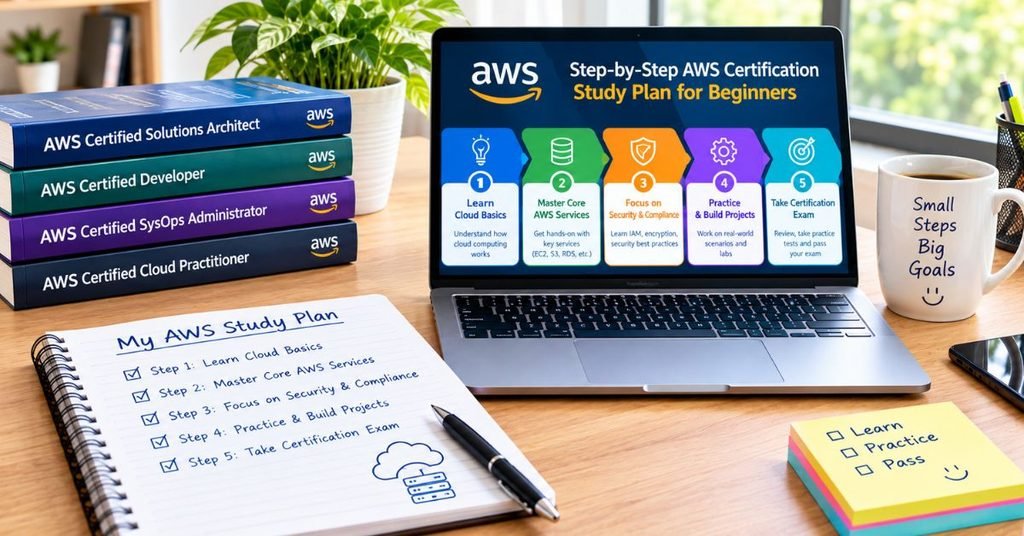
If you are completely new to AWS, use this simple process.
Step 1: Understand the Exam Before Studying
Know the domains and their weight.
This prevents you from spending most of your time on low-priority material.
Step 2: Take a Diagnostic Test
Answer some practice questions before starting serious preparation.
Your first score is not your final result.
It simply shows your starting point.
Step 3: Learn Cloud Fundamentals
Start with:
- Cloud computing
- AWS global infrastructure
- Cloud economics
- AWS Well-Architected concepts
- Migration basics
Step 4: Move Into Security
Study:
- Shared responsibility
- IAM
- Authentication
- Authorization
- Security practices
- Compliance basics
Step 5: Learn Core Services
Group services by category instead of memorizing them randomly.
Use:
Compute → Storage → Database → Networking → Security → Management → Analytics
Step 6: Add Billing and Pricing
Learn the main pricing models and cost-management tools.
Step 7: Practice Every Study Day
Even 10–20 questions can help if you carefully review the answers.
Step 8: Track Weak Areas
Keep a mistake list.
Your mistake list should guide your revision.
Step 9: Take Timed Mock Exams
Practice making decisions under exam conditions.
Step 10: Check Your Readiness
Take the exam when your performance becomes consistent and you can explain the concepts instead of simply recognizing memorized answers.
A 90-Minute Daily Routine for AWS Preparation
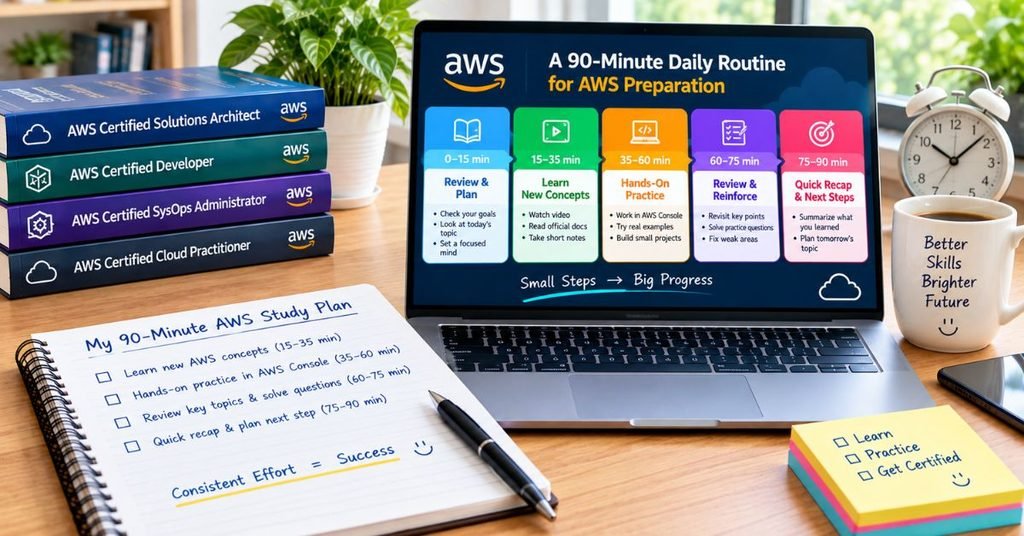
You do not need to study for five hours every day.
A focused 90-minute routine can be more useful.
First 25 Minutes: Learn
Choose one topic.
Read or watch the lesson carefully.
Next 20 Minutes: Recall
Close your notes.
Explain the topic using your own words.
Next 25 Minutes: Practice
Answer exam-style questions.
Next 15 Minutes: Review Mistakes
Study every incorrect answer.
Final 5 Minutes: Plan Tomorrow
Write down the next topic you will study.
This removes decision-making from your next session.
How to Know If Your AWS Certification Study Plan Is Working
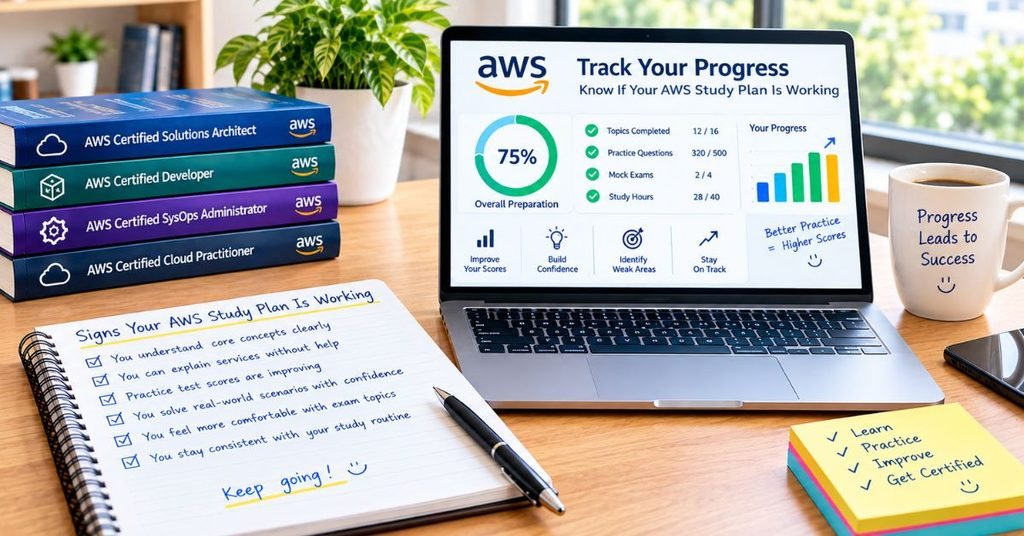
A study plan is useful only when it improves your knowledge.
Track three things every week:
Your Study Progress
Your score should generally improve over time.A well structured AWS certification study plan can also help you stay consistent and track your progress from week to week.
Common Practice Errors
If the same topic appears in your mistake list every week, it needs more attention.
Your Confidence With Explanations
Ask yourself:
Can I explain why this answer is correct without looking at my notes?
If the answer is yes, your understanding is improving.
If you only recognize the correct answer because you have seen it before, keep studying.
Real-Life Example: A Beginner Following the Plan
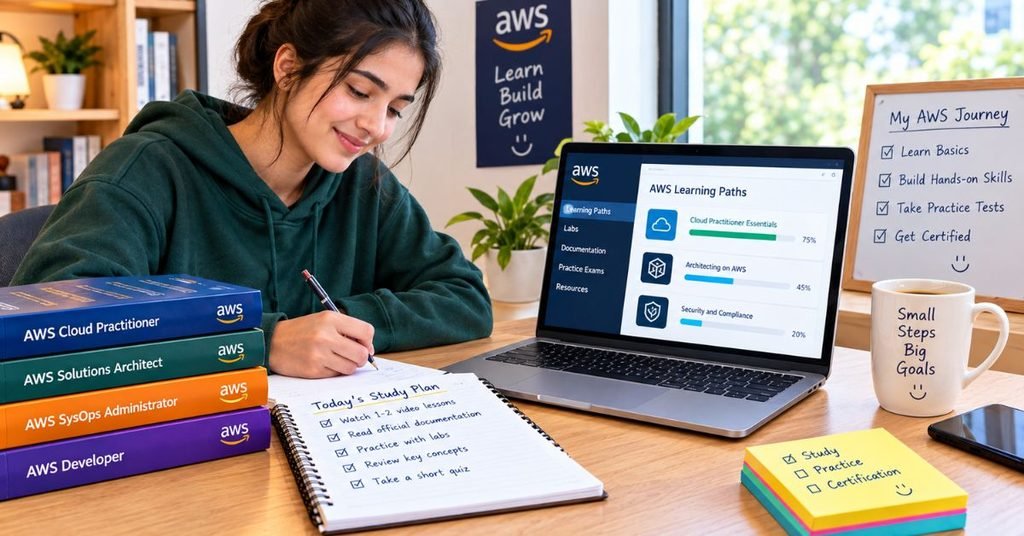
Imagine Ali works full time and can study for about 90 minutes after work.
During Week 1, he learns cloud fundamentals and global infrastructure.
At the end of the week, he notices that he keeps confusing Regions and Availability Zones.
Instead of watching another complete beginner course, he spends one extra study session on that specific topic.
During Week 2, he finds IAM questions difficult.
He creates a small comparison sheet for users, groups, roles, and policies.
During Week 3, he starts connecting AWS services with real business needs.
For example, when a question describes object storage, he immediately thinks about S3.
By Week 4, Ali is no longer spending most of his time watching lessons.
He is solving questions, reviewing mistakes, and testing weak areas.
That is the real purpose of a good study plan.
It should gradually move you from learning mode to exam mode.
Common Mistakes That Can Ruin Your AWS Preparation
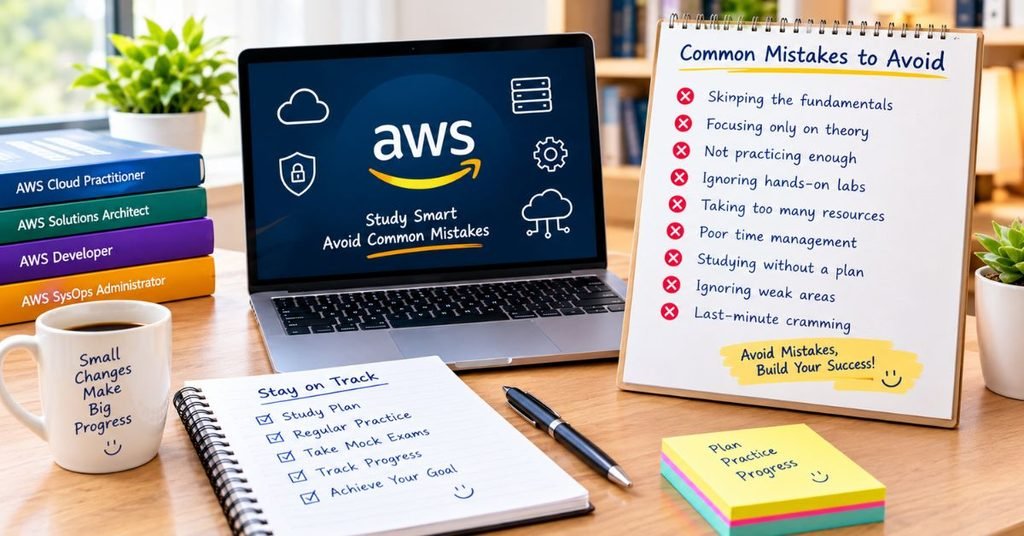
Trying to Learn Every AWS Service
AWS has a very large service catalog.
You do not need to master everything for a foundational certification.
Focus on the exam scope.
Memorizing Service Names Without Use Cases
Knowing that S3 is a storage service is not enough.
You should understand what type of storage problem it solves.
Ignoring Security
Security has a major place in the exam.
Do not push it to the final week.
Watching Too Many Courses
More courses can create more confusion.
Choose a main learning path and use additional resources only when you have a specific knowledge gap.
Practicing Questions Without Reviewing Them
A practice score alone does not teach you much.
The explanation behind a wrong answer is where the learning happens.
Studying Only Easy Topics
It feels good to review topics you already understand.
But your weakest topics need more attention.
Taking Mock Exams Too Early
A mock exam can be useful as a diagnostic tool, but taking full tests repeatedly before learning the basics may not improve your knowledge.
Cramming Before Exam Day
Trying to learn hundreds of new concepts the night before can increase stress.
Use the final day for light review instead.
The Weakness-First Revision Method
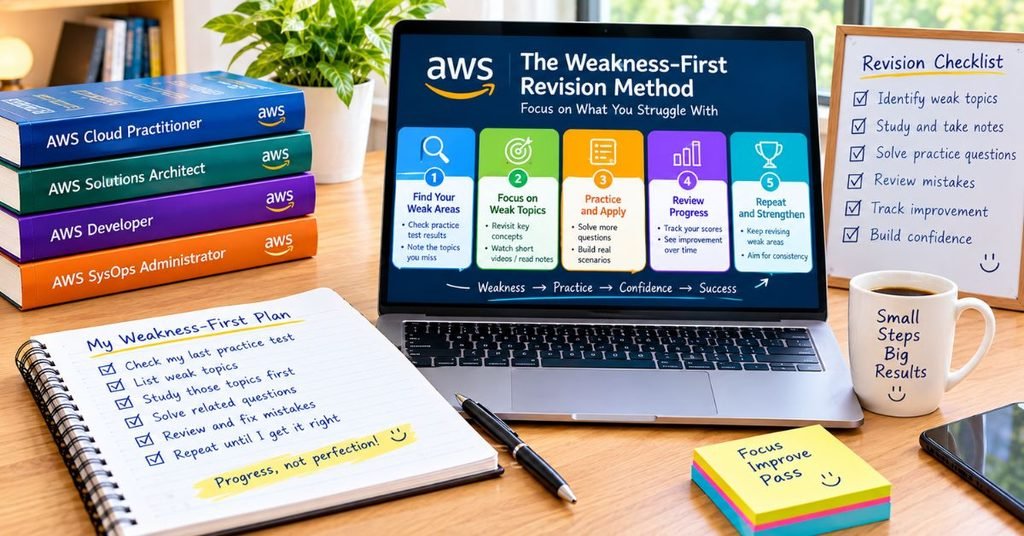
Here is a simple method that can make your preparation more efficient.
After every practice session, record your mistakes.
Then count how many errors belong to each category.
For example:
| Topic | Mistakes | Priority |
| Cloud Concepts | 3 | Medium |
| Security | 7 | High |
| Compute | 2 | Low |
| Storage | 6 | High |
| Networking | 4 | Medium |
| Billing | 1 | Low |
Now your next study session becomes obvious.
You should spend more time on security and storage rather than rereading topics you already understand.
This approach makes your preparation personalized instead of following a rigid schedule.
E-E-A-T Approach: Build Knowledge You Can Actually Use
A strong certification guide should do more than list AWS services.
It should explain how to study, how to practice, how to identify weaknesses, and how to decide when you are ready.
The method used in this guide follows a practical progression:
Exam scope → Domain priorities → Learning → Practice → Mistake analysis → Targeted revision → Readiness
This approach also avoids one common problem in certification content: treating every AWS service as equally important.
For a beginner-focused certification, understanding the role of a service and recognizing a suitable use case can be more useful than trying to learn advanced implementation details.
How to Use Multimedia to Improve Your Study

You can make your own study page more useful by adding visual learning elements.
Add a Four-Domain Diagram
Create a simple visual showing the four exam domains and their weight.
This lets readers understand the exam structure immediately.
Add a Service Comparison Graphic
Create a visual showing:
Compute → Storage → Database → Networking → Security
Then place major AWS services under each category.
Add a Progress Tracker
A simple interactive checklist can let readers mark:
- Domain completed
- Practice completed
- Weak area reviewed
- Mock test completed
- Exam readiness checked
Add a Short Study Video
A short video can explain how to use the four-week roadmap.
Keep it focused on the process instead of repeating the entire article.
Author Note
This guide is designed for beginners and learners who want a clear way to organize their AWS Cloud Practitioner preparation.
The schedule is a framework rather than a guaranteed timeline. Your preparation time can change depending on your previous IT experience, AWS knowledge, available study hours, and practice-test performance.
The most important goal is not to finish the schedule as quickly as possible.
The goal is to understand the material well enough to make the right decision when you see a new exam scenario.
Disclaimer
AWS certification exams, objectives, services, pricing, training resources, and exam policies can change.
Always check the latest official certification information before booking your exam.
This content is provided solely for informational and learning purposes.Following this study plan does not guarantee a passing score or certification result.
Conclusion
A good aws certification study plan does not need to be complicated. Start by understanding the CLF-C02 exam structure, then study cloud concepts, security, core AWS services, and billing in a logical order. Give additional time to the areas where your practice results show weakness instead of spending equal time on every topic.
The strongest preparation comes from combining learning with active practice. Keep a mistake tracker, review wrong answers, compare AWS services by use case, and take timed practice tests before exam day. If you follow the roadmap consistently and adjust it according to your weak areas, your preparation becomes more focused, measurable, and much easier to manage.
FAQs About AWS Certification Study Plan
How long should I study for AWS Cloud Practitioner?
Many beginners can use a four-to-six-week schedule when they study consistently. The right timeline depends on your previous IT knowledge, available study hours, and practice performance.
Is four weeks enough for the AWS Cloud Practitioner exam?
Four weeks can work for learners who can study consistently and follow a focused roadmap. Beginners who need more time should extend the plan rather than rush through difficult topics.
What should I study first for CLF-C02?
Start with cloud concepts and AWS fundamentals. Then move into security, core AWS services, and billing and pricing.
How many hours a day should I study?
Around 60–90 focused minutes can provide a practical routine for many beginners. If you have more time, use the extra time for practice and weak areas rather than simply watching more lessons.
Is AWS Cloud Practitioner suitable for beginners?
Yes. It is a foundational certification designed to validate broad AWS Cloud knowledge and can be suitable for people who are new to cloud computing.
Should I practice questions every day?
Regular practice is useful because questions show whether you can apply what you learned. Even a smaller daily question set can be valuable when you carefully review incorrect answers.
How do I know when I am ready for CLF-C02?
Look for consistent practice performance, fewer repeated mistakes, and the ability to explain why an answer is correct. Do not judge your readiness from one unusually high practice score.